AI for confidential client work
Venho drafts your replies, prepares your reports and tracks your clients and tasks. It runs locally on your devices, and nothing leaves unless you allow it.
What Venho does for you
Need a tool Venho doesn't have? Describe it, and Venho builds it
The build sees sample data only. Your real data joins when you press Publish.
Your data stays with you
Cloud AI is often off limits for confidential data. With Venho, you decide what leaves your devices.
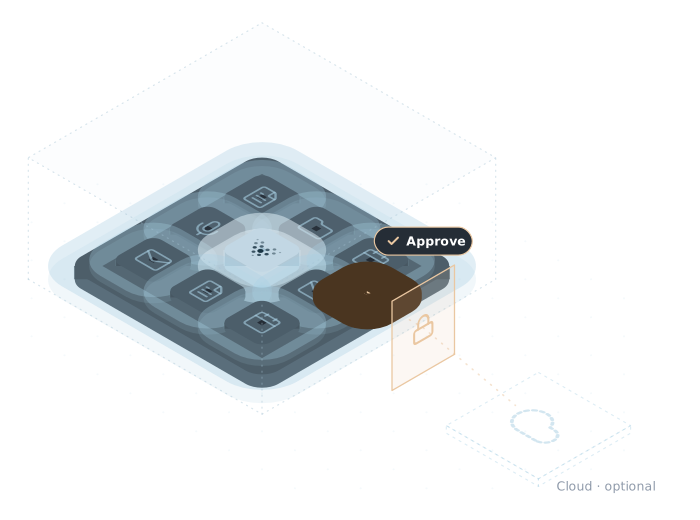
AI does the work on your devices
Venho connects and organises your data, so small AI models on your device can do far more of the work. Your emails and documents are processed there and are not uploaded to a server.
You choose when to use the cloud
Venho shows you before any task uses a cloud model. You can turn cloud models off, and Venho also works offline.
Your work is not stored on our servers
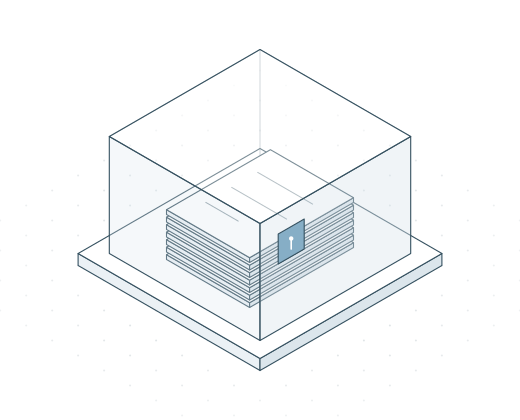
Your emails, documents and notes stay on your devices, and Venho collects no usage data.
You approve what goes out
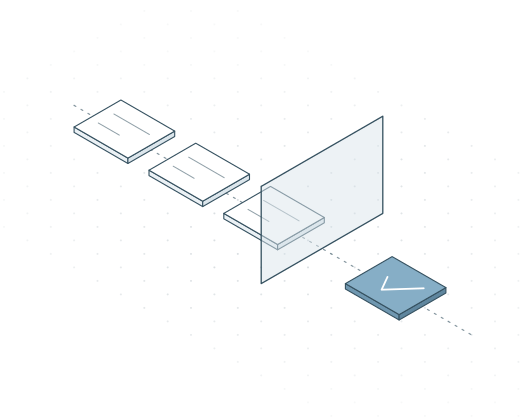
Emails, invites and changes wait until you say yes.
Each client has its own context
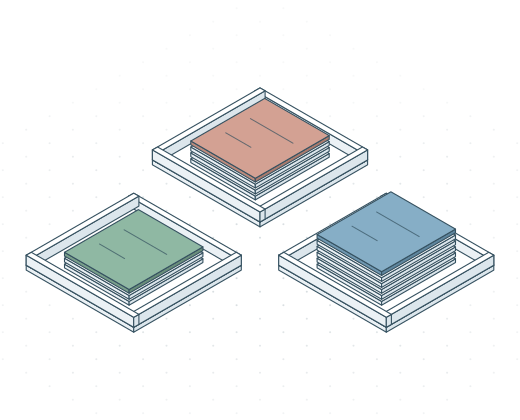
A client, project, business or role keeps its emails, documents and tasks together.
Venho never trains AI on your data
The same is true when you choose to run a task in Venho Cloud.
You keep your data if you leave
Your emails stay with your email provider and your files stay in your folders, even if you stop paying.
Built for work that must stay private
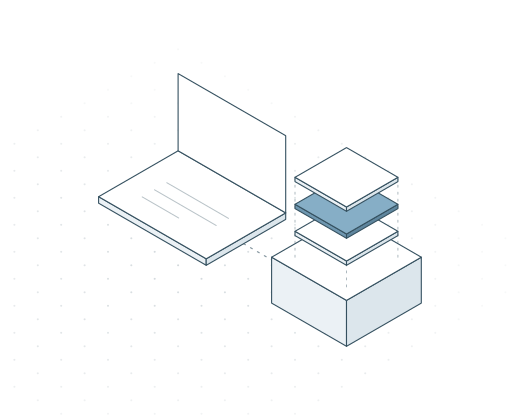
Hand routine client work to AI and still show your clients that their information stayed with you.
Where your data goes →Use AI on every engagement, with the work on your devices and each client in its own context.
Answer customers sooner without hiring, while their details stay with you.
Run your business on your devices, with the AI models you choose and without depending on a cloud provider.
Use the devices you have
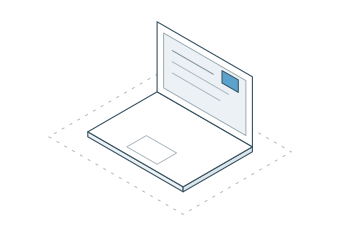
On your computerMac with Apple silicon, Windows or Linux, with at least 16 GB of memory.
Install Venho like any other app. Setup takes under 10 minutes in most cases.
Quick start guide →
With a Jolla Mind2
This small server keeps Venho working while your computer is off.
See the Jolla Mind2 →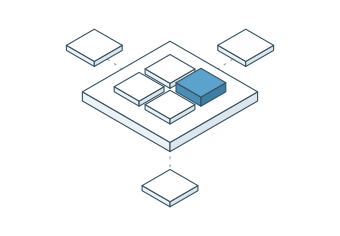
With your teamComing soon
The Team plan is coming soon. Your team can start on Individual plans and move over when it opens.
Ask us about a pilot →
On your organisation's servers
Venho can also run on your organisation's servers, on a Jolla Mind2 Enterprise or on hardware you already have. Jolla sets it up with you.
Talk to Jolla →Venho works with the tools you use
Venho connects to your accounts and folders from your device and works with your data where it is. You choose what it may read.
- EmailMicrosoft mailboxes, and any IMAP and SMTP mailbox. Venho reads and drafts in your mailbox and sends only what you approve.
- CalendarCalDAV calendars. Venho checks meeting requests against your calendar and adds the events you approve.
- FilesFolders on your computer. Your documents become searchable and stay where they are.
- DevicesJolla Mind2, a small server for your office or home, and Jolla Mind2 Enterprise for an organisation.
- AI modelsModels on your device, a model server you run yourself, or your own cloud AI account. You decide each time.
- Other toolsAny tool that offers MCP. Venho can use the data and the functions of a connected tool in your work.

AI that knows your work stays under your control
AI will soon help with everything you do in your digital work. To be useful, it has to know your whole digital life, from your emails and documents to everything about your clients. All of that together is very sensitive, and we did not want one cloud AI provider to see and store it. So we built Venho to run locally on your devices.
We run our own company on Venho and use every feature before you get it.
About us →Get to know Venho
All resources →
Get early access to Venho
We invite people in groups. Your invite comes with a 14-day free trial and the quick start guide.
- Free for 14 days
- Your data stays on your devices unless you allow it to leave
- Stop any time and keep your data